'%3e%3cpath%20d='M5.6028%2027.5074C1.3549%2011.7482%2014.9366%206.8443%2014.9366%206.8443C14.9366%206.8443%20-4.47273%209.30116%205.6028%2027.5074Z'%20fill='%2340F4E3'/%3e%3cpath%20d='M26.6015%207.88183C25.1663%2010.7498%2023.288%2011.8657%2021.2074%2012.081C23.76%209.47732%2026.1873%208.34188%2024.9351%201.37262C16.9498%208.92918%204.4758%2011.6307%206.96097%2026.969C7.30774%2026.6068%207.67377%2026.274%208.0687%2025.951C7.92421%2024.5023%207.84715%2022.3391%208.53106%2021.6442C8.70444%2021.468%208.91635%2021.4386%209.14753%2021.5169C11.7001%2022.3293%2014.4261%2022.3881%2016.9306%2021.419C17.6048%2021.1547%2018.2502%2020.91%2018.8378%2020.6653C15.2738%2021.1547%2013.617%2019.4516%2013.617%2019.4516C15.3027%2020.0095%2017.653%2019.7648%2019.7143%2019.3341C21.2844%2019.0013%2022.7678%2018.3064%2023.9911%2017.259C26.1873%2015.3699%2027.3625%2012.6585%2026.6015%207.88183Z'%20fill='white'/%3e%3c/g%3e%3cdefs%3e%3cclipPath%20id='clip0'%3e%3crect%20width='24.131'%20height='26.1347'%20fill='white'%20transform='translate(2.70236%201.37262)'/%3e%3c/clipPath%3e%3c/defs%3e%3c/svg%3e)
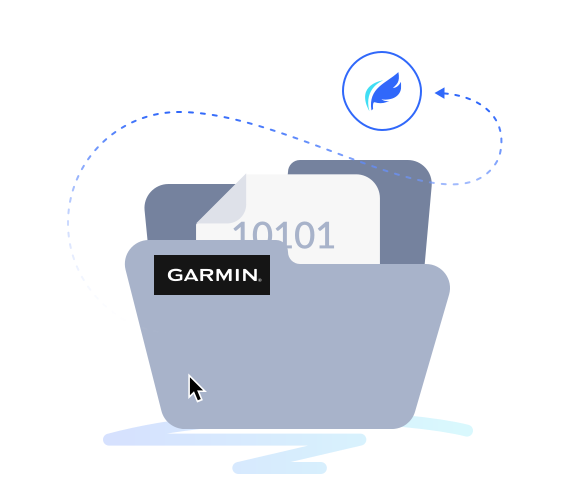
Automatically transfer Garmin flight data
Direct-to FlySto

...and you don’t have to press enter, enter ;)

Direct-to FlySto
Automatically transfer your Garmin flight data to FlySto and access advanced flight data analysis, visualization, and
actionable FOQA insights.
What is FlySto?
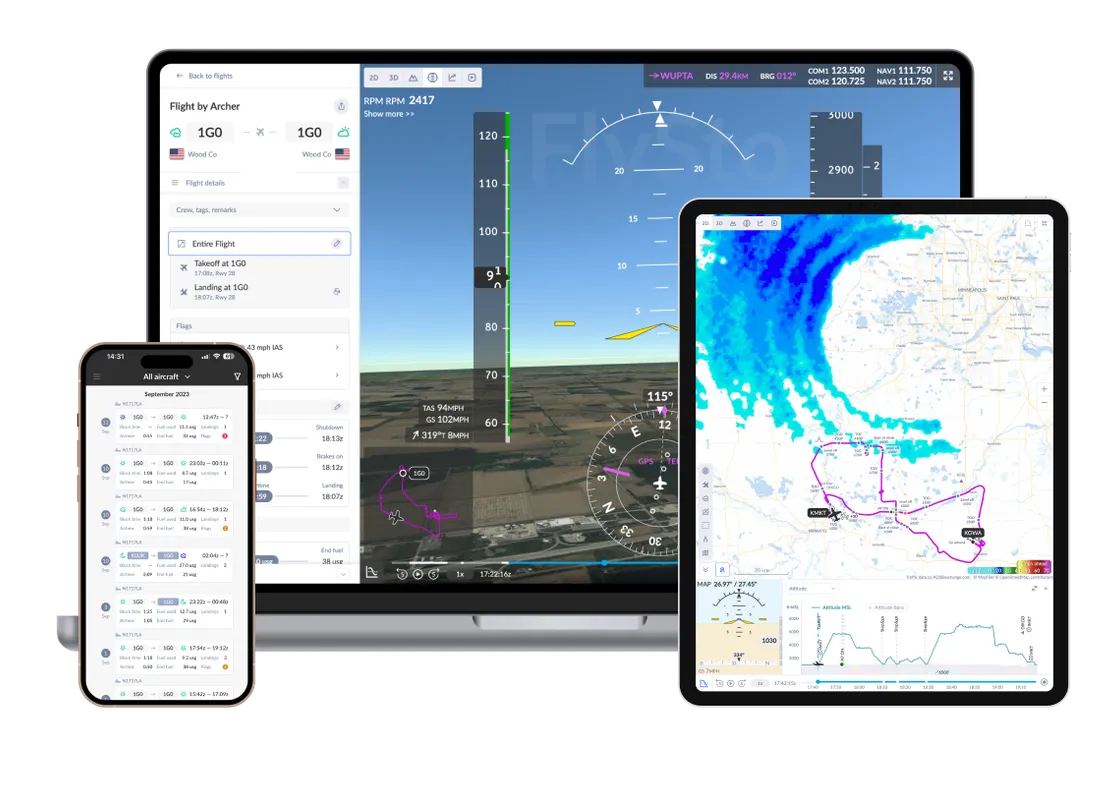
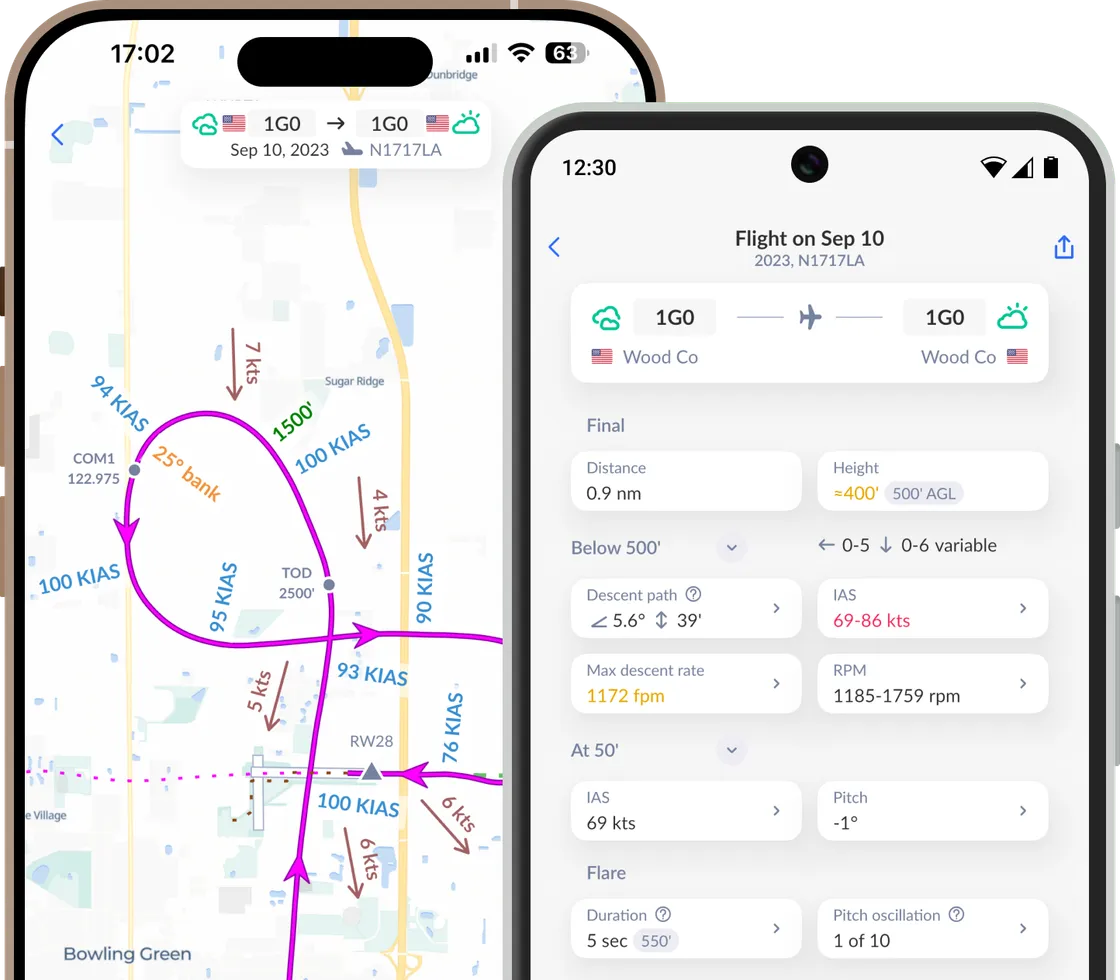
FlySto transforms your flight data into a story for every flight.
By replaying each journey as an interactive story, you can review decisions, uncover risks, and continuously learn.
Amplify Insights
FlySto is a platform designed for pilots, flight instructors, and flight operations to analyze flight data, debrief flights, and enhance aviation safety and performance. It provides advanced flight data analysis, FOQA, and FDM tools for general aviation, turning every flight into an opportunity to learn, improve, and reach new heights of safety and excellence.
More than an analysis tool
FlySto turns your Garmin flight data into a detailed flight journal. Each flight is automatically imported and replayed as an interactive story, helping you review your decisions, track your progress, and identify hidden risks.
How does Direct-to FlySto work?
Option 1
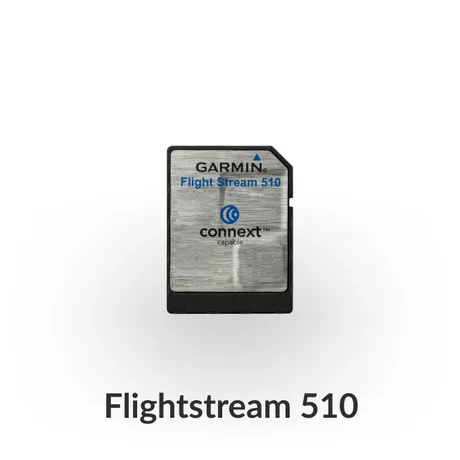
Garmin Pilot app & Flight Stream 510
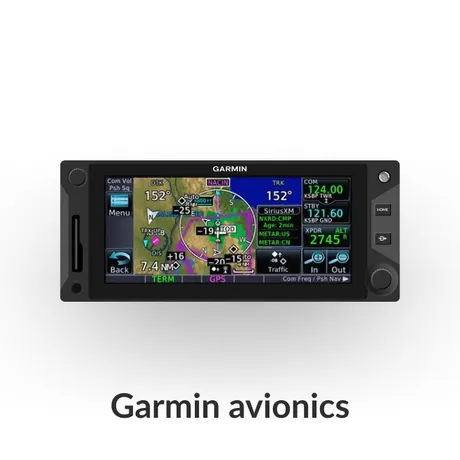
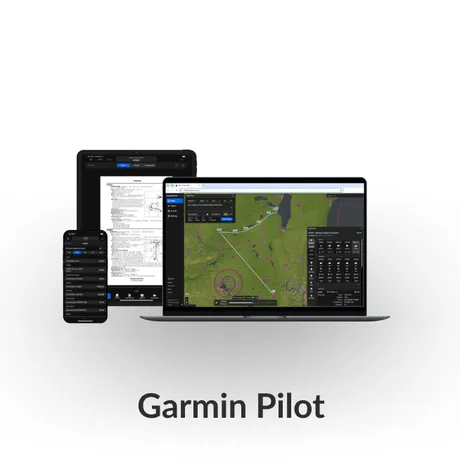
The Garmin Pilot app, paired with compatible avionics and Flight Stream 510, automatically sends flight and engine data to your flyGarmin Aircraft Logbook and transfers it to FlySto within seconds.
How it works:
- Flight Stream 510 connects wirelessly to the Garmin Pilot app on your mobile device.
- Garmin Pilot app automatically collects flight and engine data.
- After a flight, your data is uploaded to your flyGarmin.com Aircraft Logbook and transferred to FlySto.
Advantages:
- Minimal hardware cost and simple installation.
- Uses your existing mobile device and app.
- Quick and user-friendly; ideal for individual pilots or smaller operations.
 &
& 
flyGarmin Aircraft Logbook
FlySto
Option 2
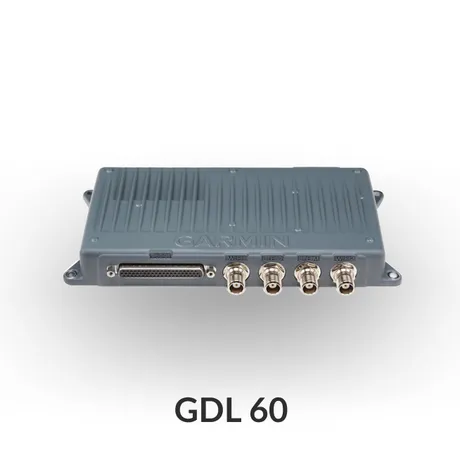
Garmin GDL® 60 with PlaneSync™
The Garmin GDL 60 enables automatic collection and transfer of flight and engine data from the aircraft to the digital Aircraft Logbook on flyGarmin.com. Once your flight data is in your flyGarmin Aircraft Logbook, FlySto transfers it and your flight appears in FlySto within seconds.
How it works:
- The GDL 60 is a dedicated datalink device installed in your aircraft, offering continuous connectivity.
- After each flight, the GDL 60 automatically uploads flight and engine log data to flyGarmin.com via LTE or Wi-Fi.
- flyGarmin then forwards the data directly to FlySto for instant access to advanced analytics and reports.
Advantages:
- Fully automated and hands-off—ideal for fleet operators or those seeking a set-it-and-forget-it solution.
- Supports remote aircraft status checks, automatic database updates, and enhanced monitoring features.
- The newest technology for connecting your aircraft.
flyGarmin Aircraft Logbook
FlySto
No Flight Stream 510 or GDL 60?
You're still covered
You can use FlySto even if your aircraft is not equipped with a Flight Stream 510 or GDL 60.
FlySto is designed to be flexible and accessible to all pilots, regardless of your avionics setup.
Don't see your avionics?
E-mail us the model name, manufacturer and sample log file at team@flysto.net
FAQ
What is flyGarmin?
flyGarmin is Garmin’s online portal for aviation customers. It allows users to manage devices, purchase and update
aviation databases, access logbooks, and get product support.
What is the Aircraft Logbook on flyGarmin?
The Aircraft Logbook is a digital tool for storing and managing aircraft flight logs and flight history.
What is the GDL 60 with PlaneSync™?
The GDL 60 is a data link device that, when paired with Garmin’s PlaneSync™ technology, enables automatic database
updates, remote aircraft status monitoring, and wireless connectivity for aircraft systems.
What is the Flight Stream 510?
The Flight Stream 510 is a wireless multimedia card that enables two-way communication between compatible Garmin
avionics and mobile devices.
What is the Garmin Pilot app?
The Garmin Pilot app is a comprehensive aviation application for iOS and Android devices, designed for flight
planning, navigation, weather briefing, and in-flight situational awareness.
What Garmin hardware is compatible with automation?
Every aircraft manufacturer may differ, but in general:
- ADS-B transceivers;
- GPS navigators: GTN 600/700 series;
- Flight decks: TXi, G1000 NXi/G3000/G5000.
How long does it take for my flight data to appear in FlySto after shutdown?
Upload times depend on connectivity and equipment:
- Garmin PlaneSync/GDL 60: Flight data is automatically sent to your flyGarmin account's Aircraft Logbook after landing;
- Flight Stream 510: Flight data is sent to your flyGarmin account's Aircraft Logbook through the Garmin Pilot app.
Can I transfer all my past flights in my flyGarmin Aircraft Logbook to FlySto?
Yes, when you connect your flyGarmin Aircraft Logbook to FlySto, all your past flights can be synced.
Can I connect multiple aircraft in my flyGarmin account to my FlySto account?
Yes, there is currently no limit to the number of aircraft you can link to your FlySto account.


'%3e%3cpath%20d='M5.6028%2027.5074C1.3549%2011.7482%2014.9366%206.8443%2014.9366%206.8443C14.9366%206.8443%20-4.47273%209.30116%205.6028%2027.5074Z'%20fill='%2340F4E3'/%3e%3cpath%20d='M26.6015%207.88183C25.1663%2010.7498%2023.288%2011.8657%2021.2074%2012.081C23.76%209.47732%2026.1873%208.34188%2024.9351%201.37262C16.9498%208.92918%204.4758%2011.6307%206.96097%2026.969C7.30774%2026.6068%207.67377%2026.274%208.0687%2025.951C7.92421%2024.5023%207.84715%2022.3391%208.53106%2021.6442C8.70444%2021.468%208.91635%2021.4386%209.14753%2021.5169C11.7001%2022.3293%2014.4261%2022.3881%2016.9306%2021.419C17.6048%2021.1547%2018.2502%2020.91%2018.8378%2020.6653C15.2738%2021.1547%2013.617%2019.4516%2013.617%2019.4516C15.3027%2020.0095%2017.653%2019.7648%2019.7143%2019.3341C21.2844%2019.0013%2022.7678%2018.3064%2023.9911%2017.259C26.1873%2015.3699%2027.3625%2012.6585%2026.6015%207.88183Z'%20fill='%233068FA'/%3e%3c/g%3e%3cdefs%3e%3cclipPath%20id='clip0'%3e%3crect%20width='24.131'%20height='26.1347'%20fill='white'%20transform='translate(2.70236%201.37262)'/%3e%3c/clipPath%3e%3c/defs%3e%3c/svg%3e)